
Turnkey QuickBooks Desktop Enterprise implementations
If you want QuickBooks Desktop Enterprise properly deployed for a real team, Titan Cloud Servers can handle the full stack: server, hosting, remote access, company file layout, permissions, backups, reporting setup, and practical guidance for your accountants.
Service level, support depth, hosting model, and monthly scope depend on the plan you choose and the complexity of your workflow.
What this actually means
This is not just “we install QuickBooks.” It means we help you choose the right deployment model, set up the Windows Server environment, create controlled user access, tune the RDP experience, structure folders and permissions, configure backup discipline, and guide your accounting team on how the system should actually be used.
Your accountants should already understand accounting. What they usually need is practical guidance on how your QuickBooks file, reports, inventory setup, customer structure, and server workflow are supposed to work. That is where Titan Cloud Servers stays involved.
No office-side server headache
You do not need to keep a physical server in your office just because you want QuickBooks Desktop Enterprise. We can build the environment so your team signs in remotely and works on the server itself.
Management gets visibility
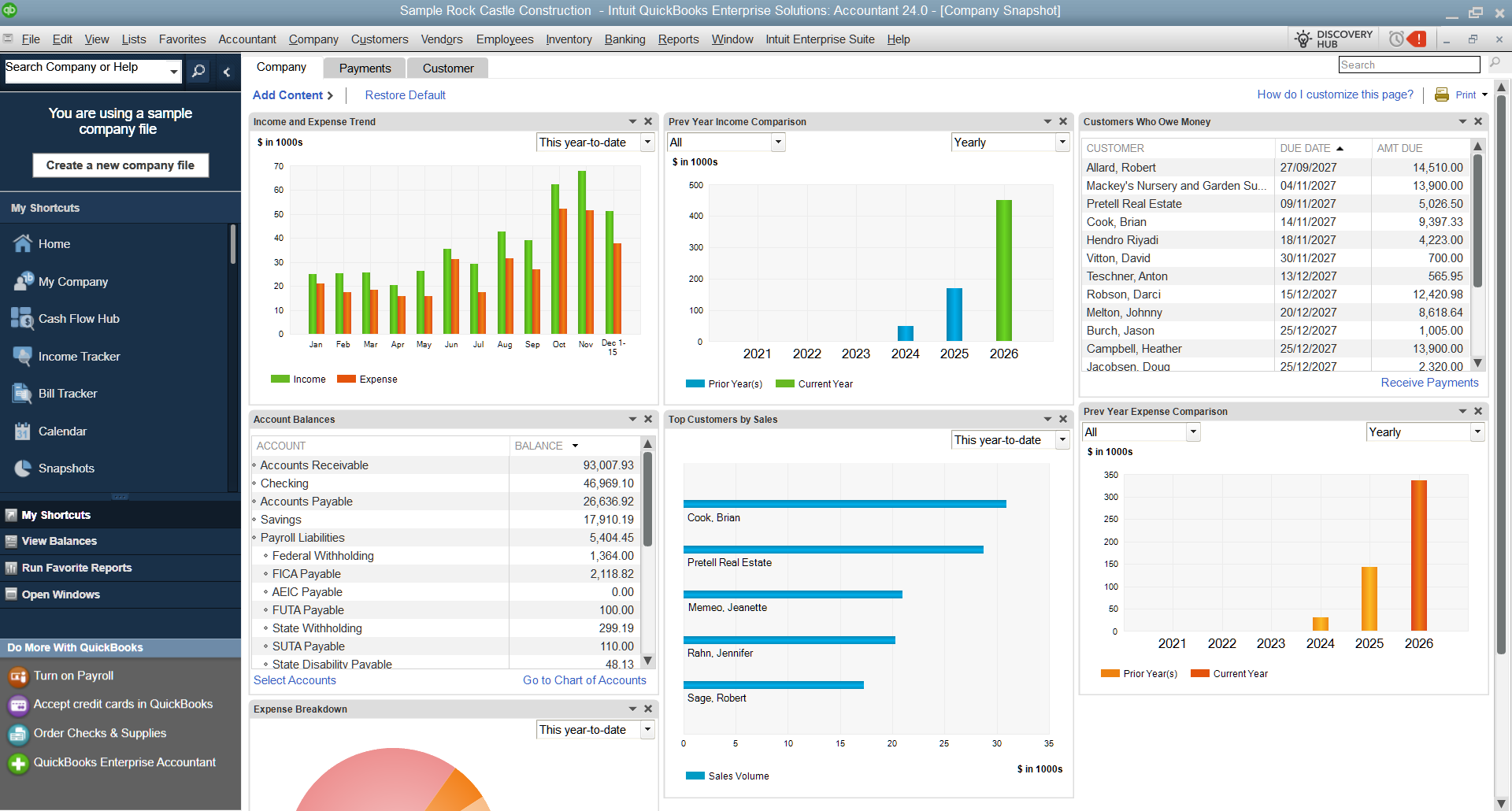
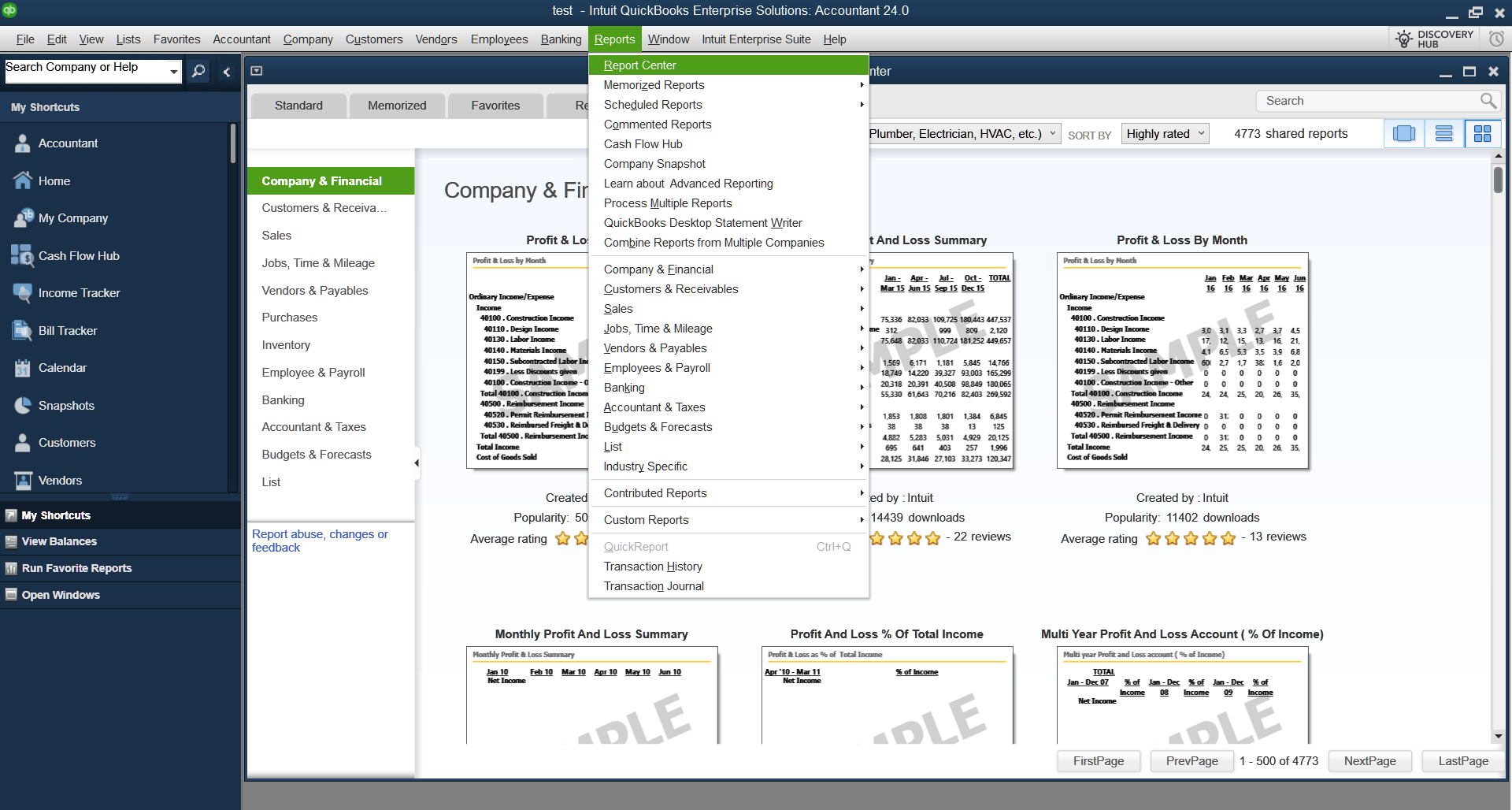
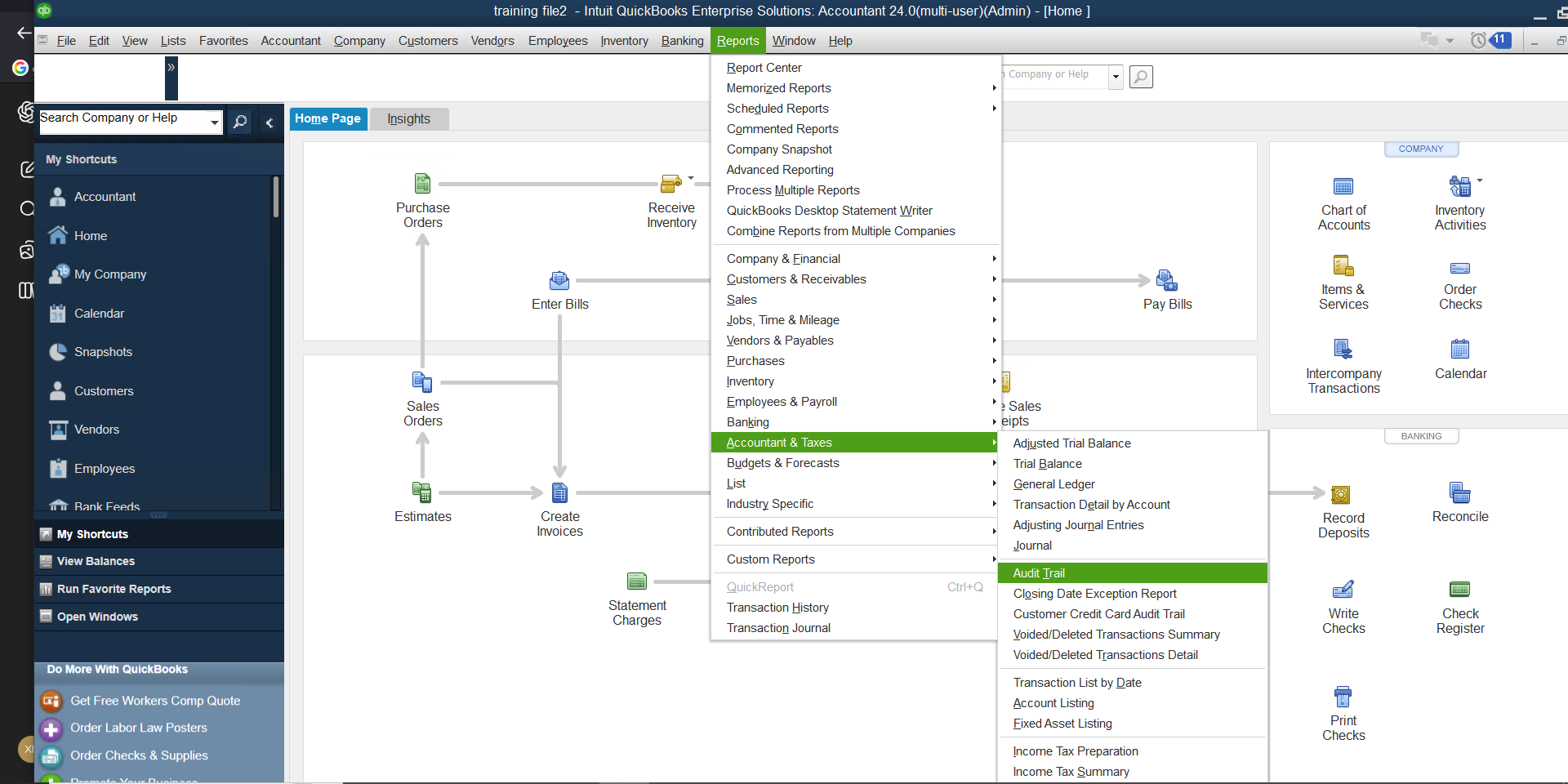
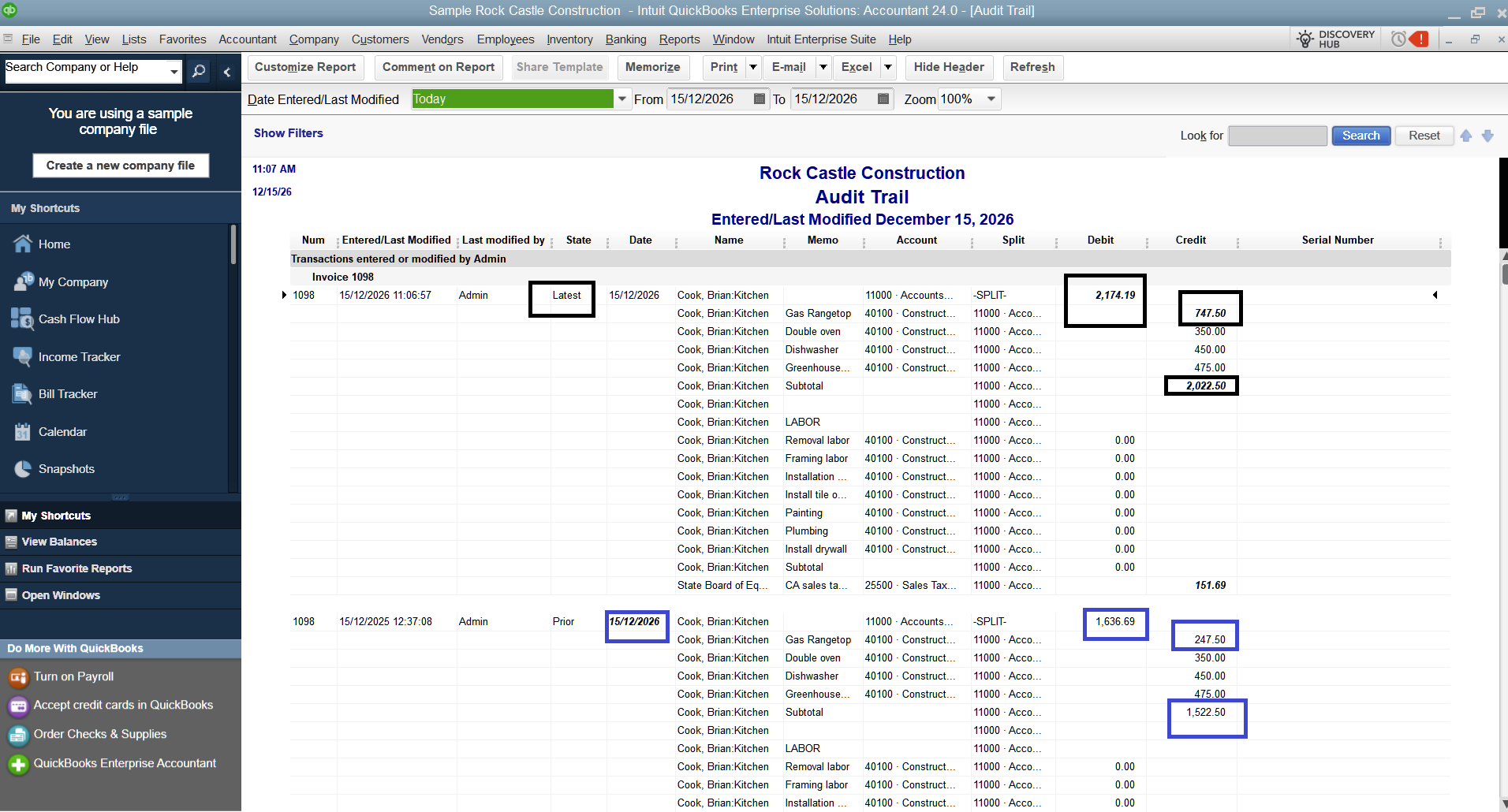
Reporting setup, dashboard views, audit trail discipline, customer structure, inventory rules, and TitanSync where relevant can all be aligned around what management actually wants to see.
Long-term support, not a one-week install
We stay with the environment after go-live. Updates, backups, user changes, file health, and workflow adjustments matter more than the initial setup.
What Titan Cloud Servers can handle from start to finish
- QuickBooks Desktop Enterprise deployment and multi-user setup
- Managed Windows Server environment with RDP / remote access
- Hosting on Titan Cloud Servers infrastructure or on client-owned infrastructure, depending on scope
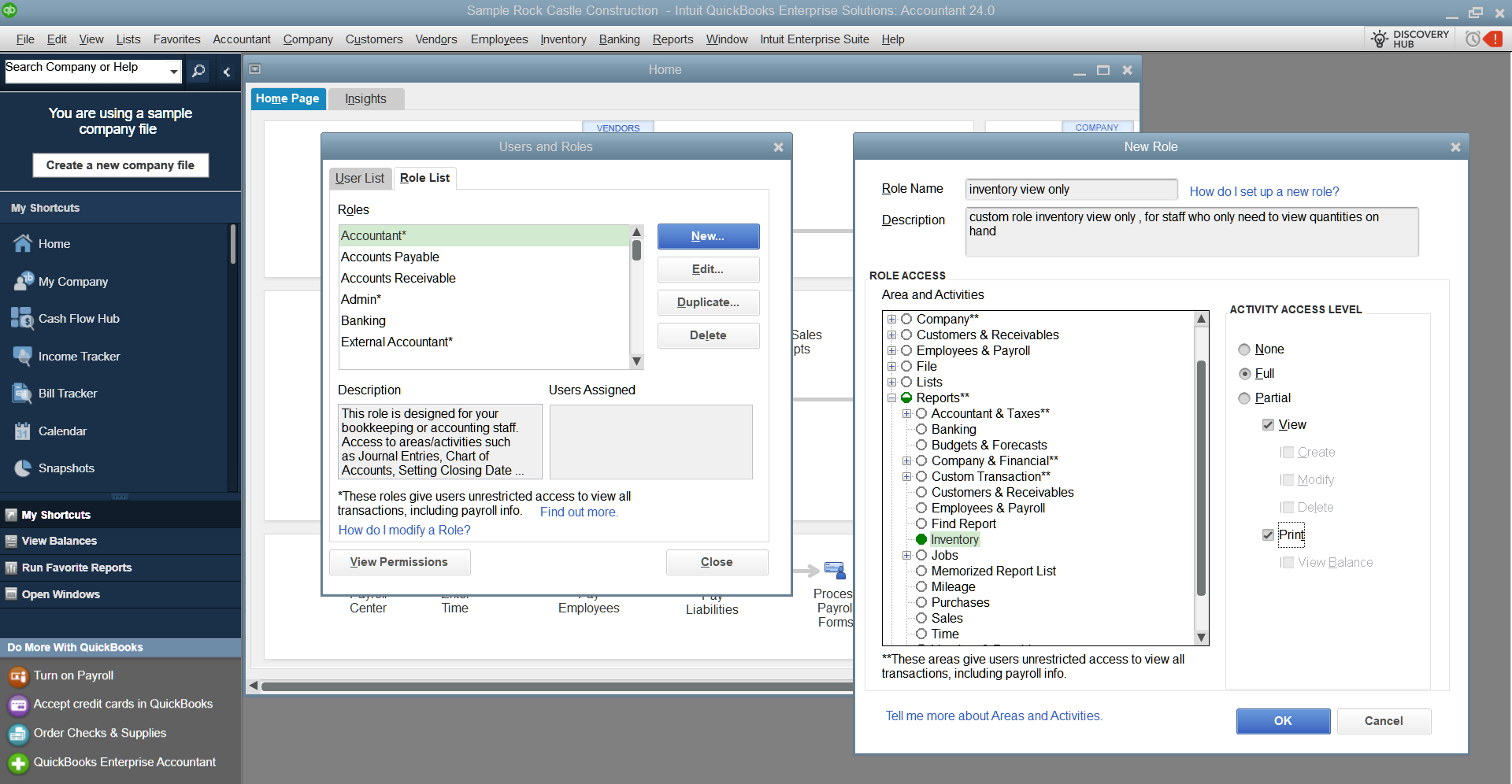
- User creation, folder permissions, role boundaries, and access discipline
- Backup routines, restore planning, and recovery discipline
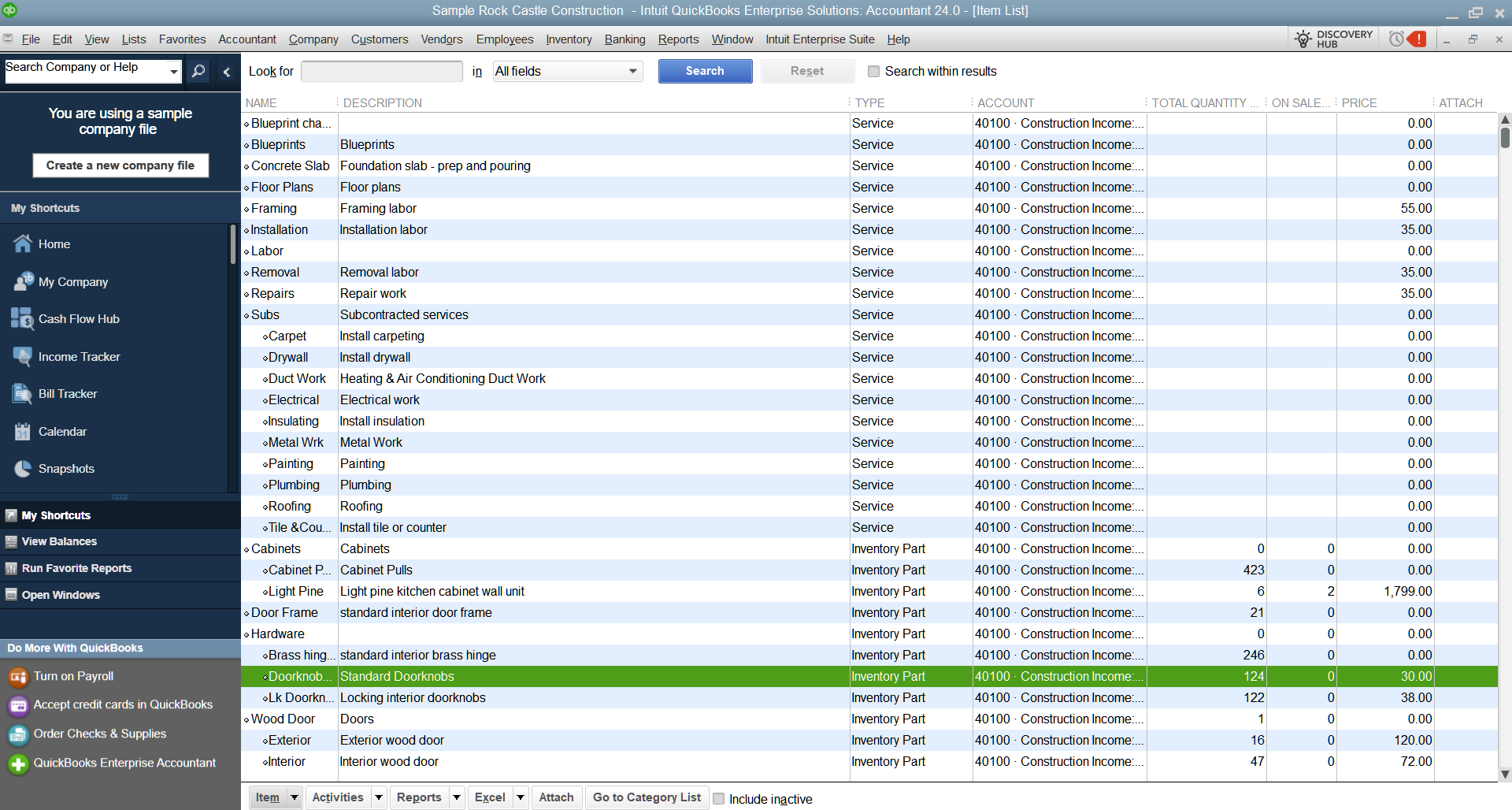
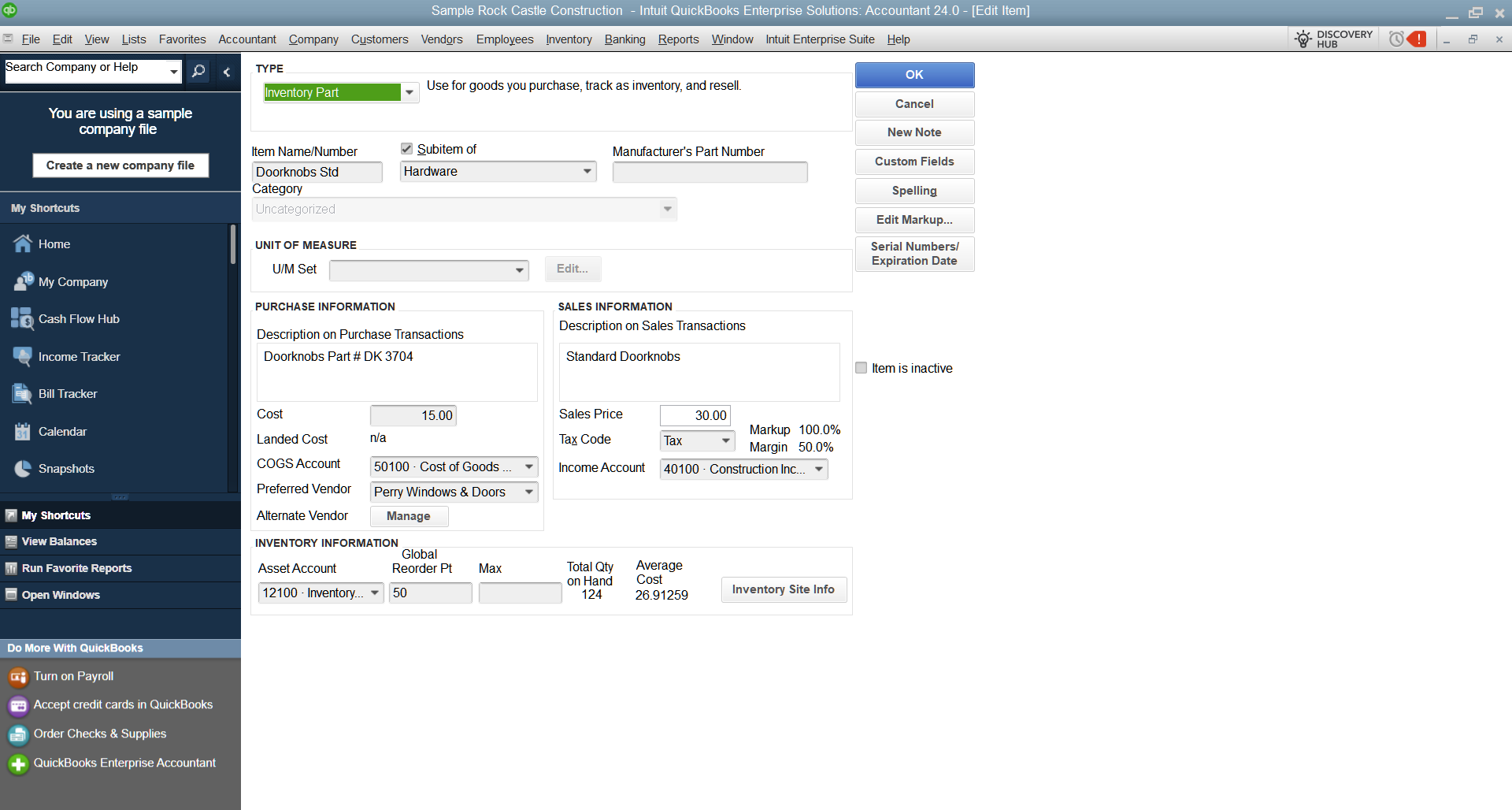
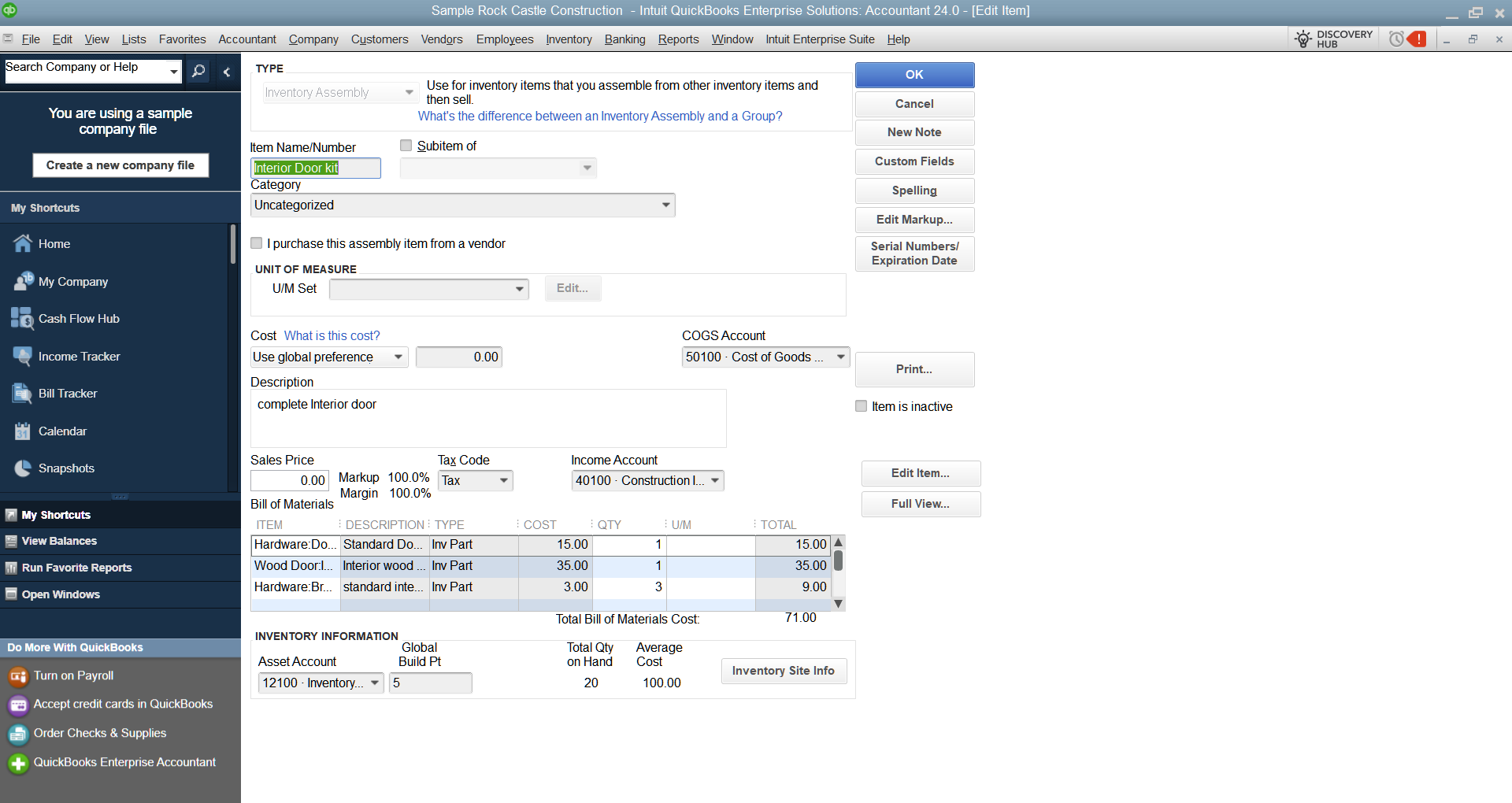
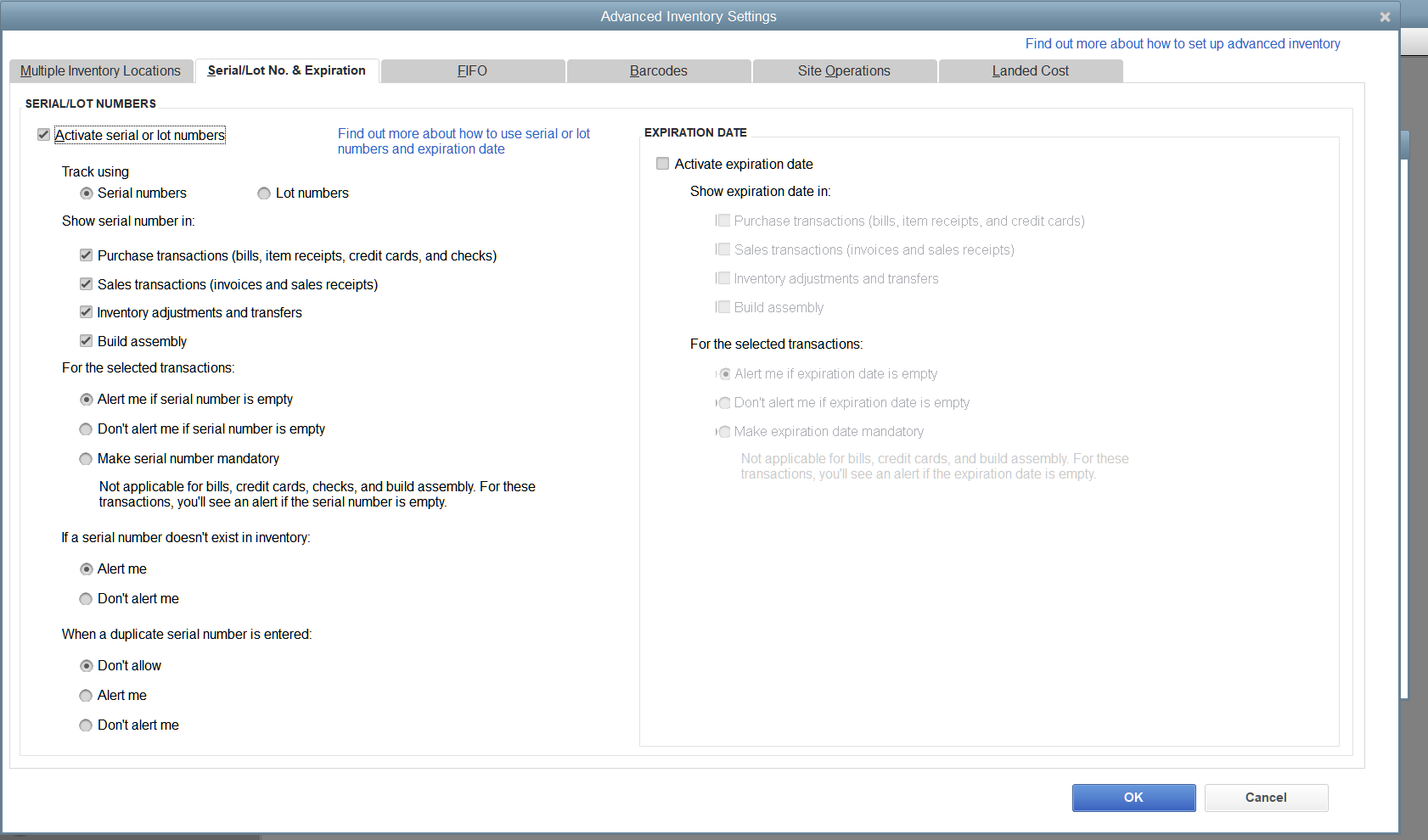
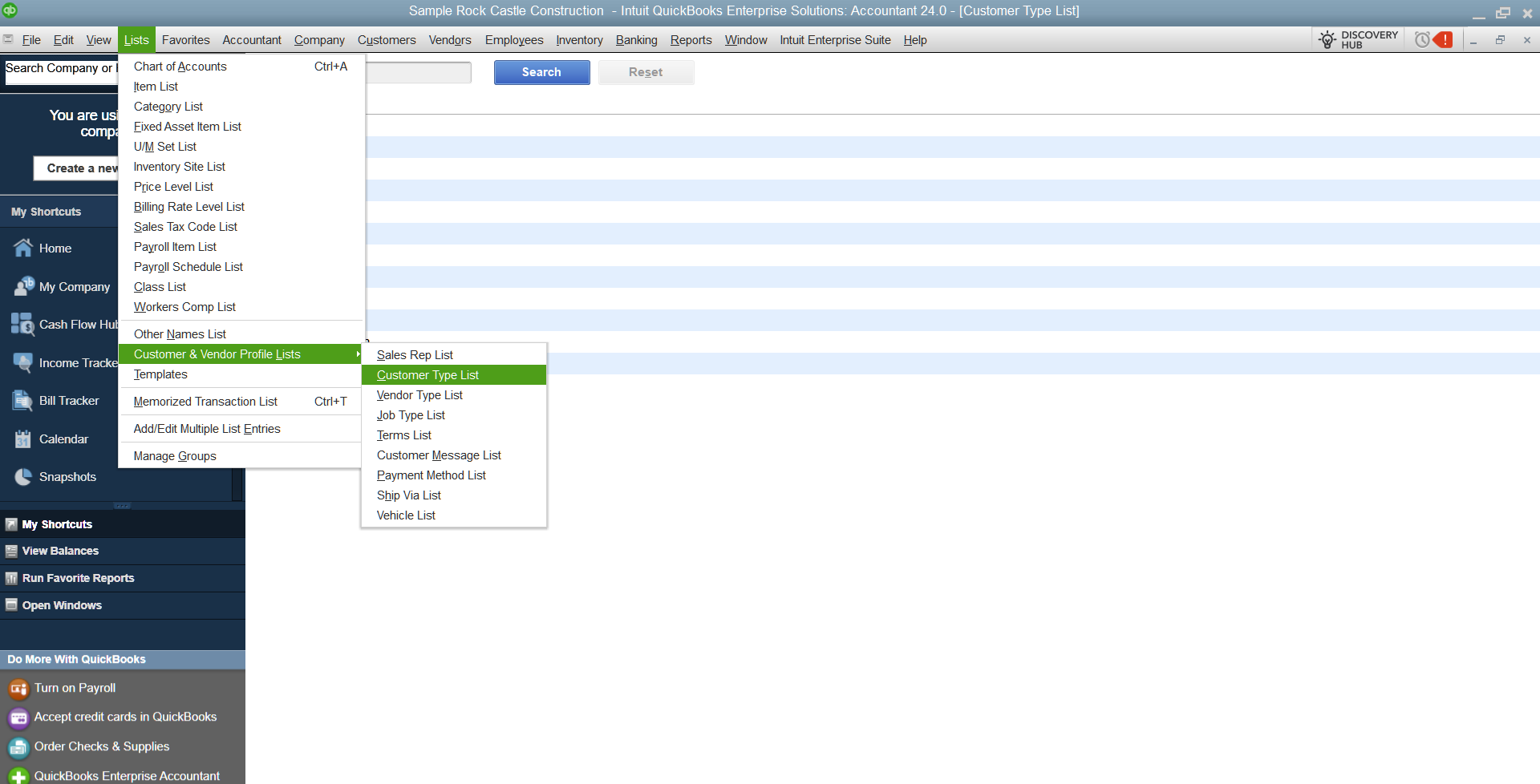
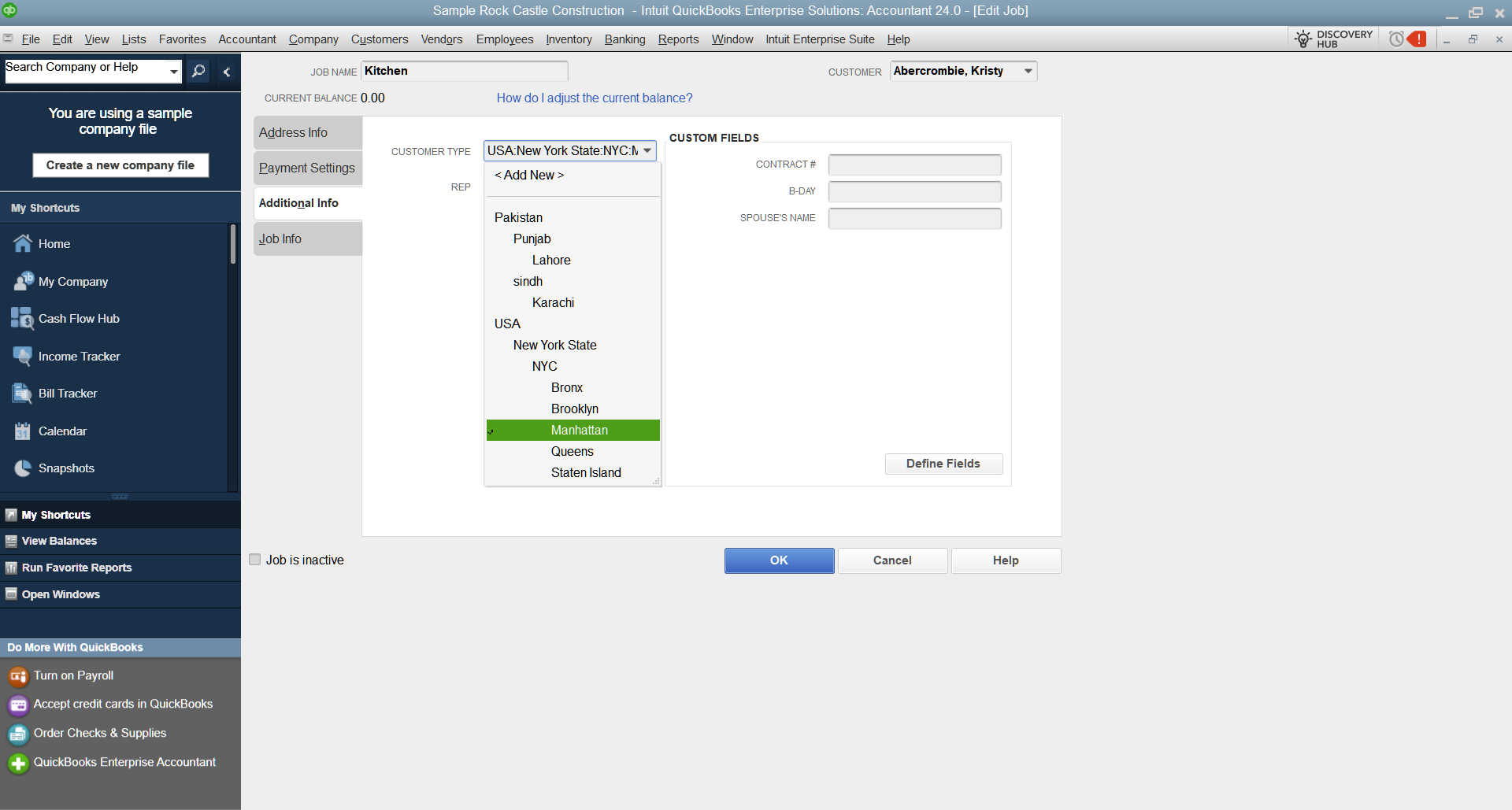
- Inventory structure, customer structure, report structure, and workflow cleanup
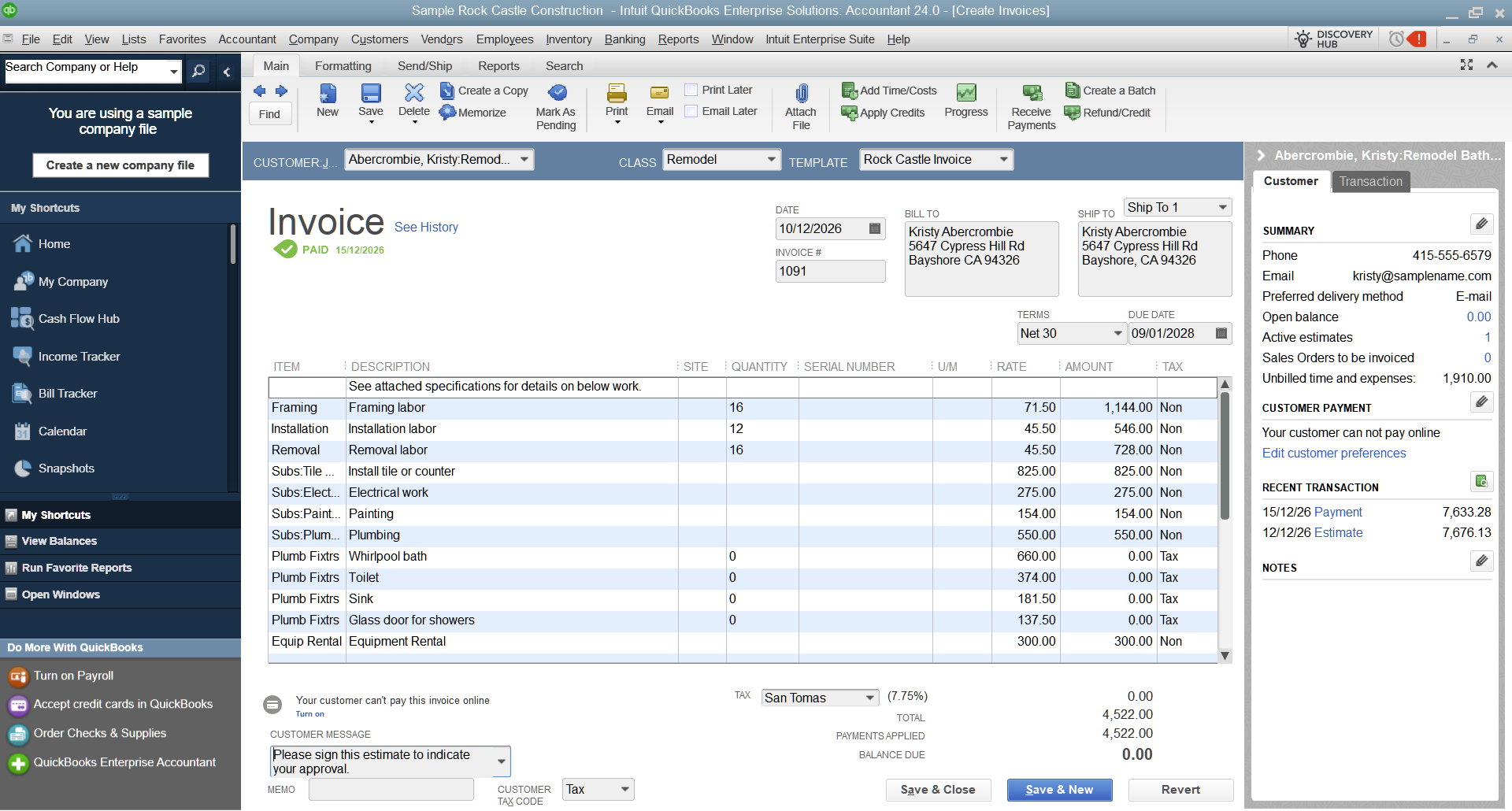
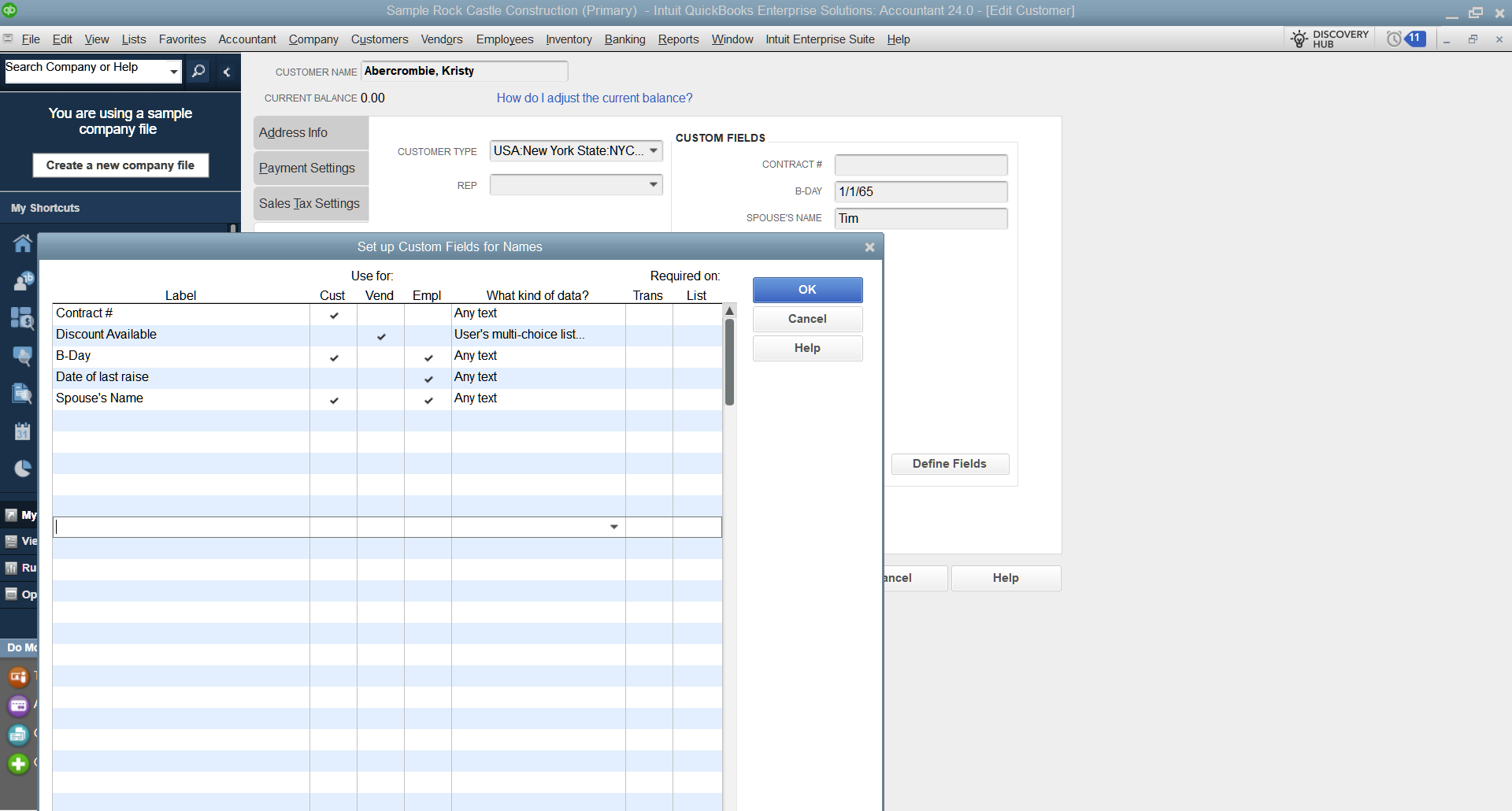
- Custom fields, printed form behavior, and transaction-level field setup where needed
- Light practical guidance for accountants so they know how to work inside the system correctly
- Ongoing maintenance after go-live so the environment stays stable
That is the real value. Upper management does not need to babysit random vendors, half-working RDP, weak backups, or badly structured company files. The system gets built properly and then managed properly.
How implementation normally works
Scope and design
We understand your user count, inventory complexity, reporting needs, remote access expectations, and whether hosting should sit in your office, on your owned hardware, or on Titan Cloud Servers infrastructure in the most suitable region.
Build and harden
We set up the Windows Server layer, remote access, users, permissions, software stack, and backup routines so the environment is usable and supportable from day one.
QuickBooks structure and workflow
This is where most projects go wrong. We help shape the customer list, inventory rules, report design, and practical workflow decisions so the file does not become a mess six months later.
Go-live and practical guidance
Your accountants do not need classroom theatre. They need a clear process, clean access, and practical guidance on how to use the environment and the file properly.
Long-term management
After go-live, we keep maintaining the environment. That includes backups, user changes, health checks, performance tuning, and structured support over time.
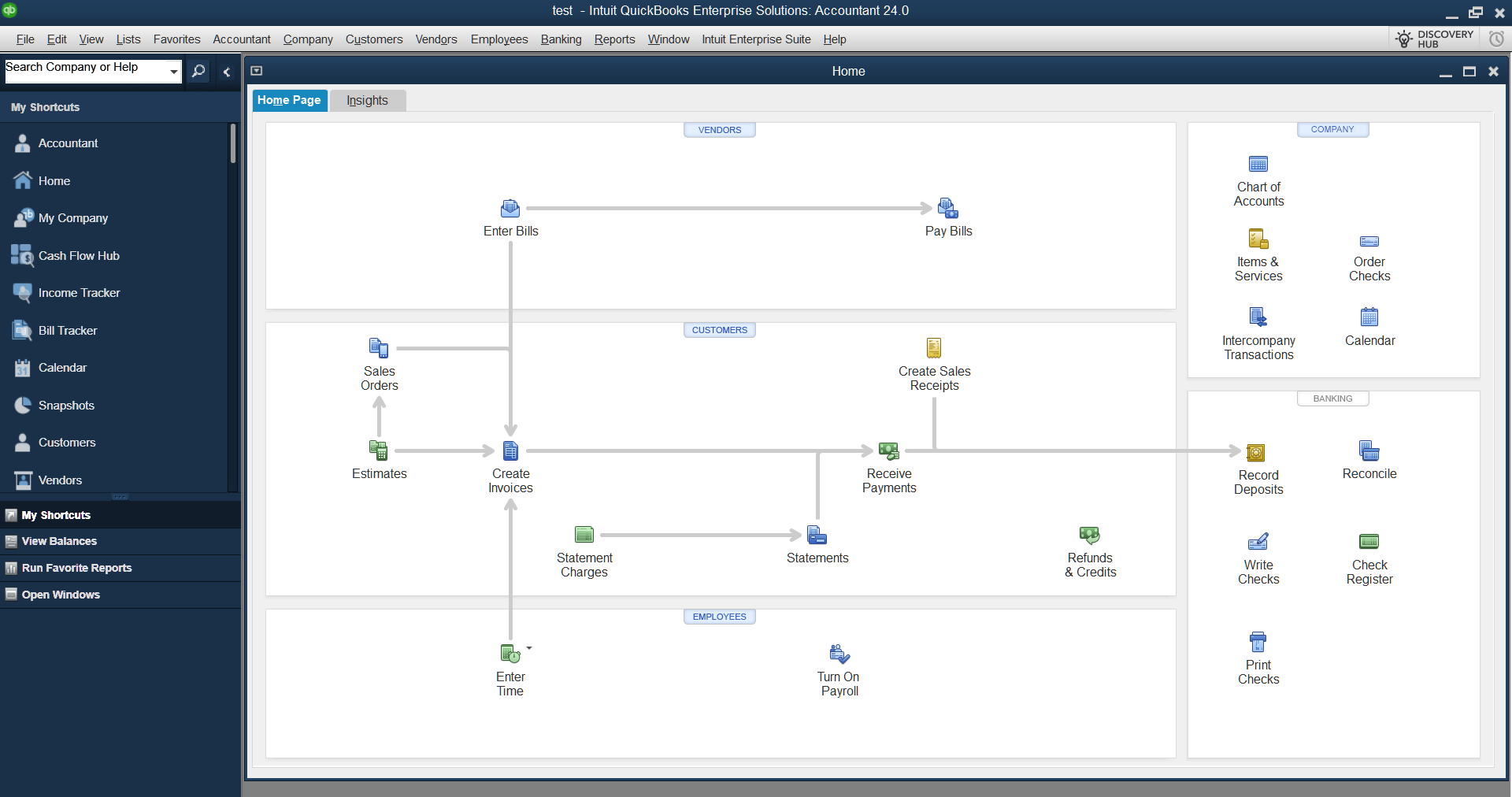
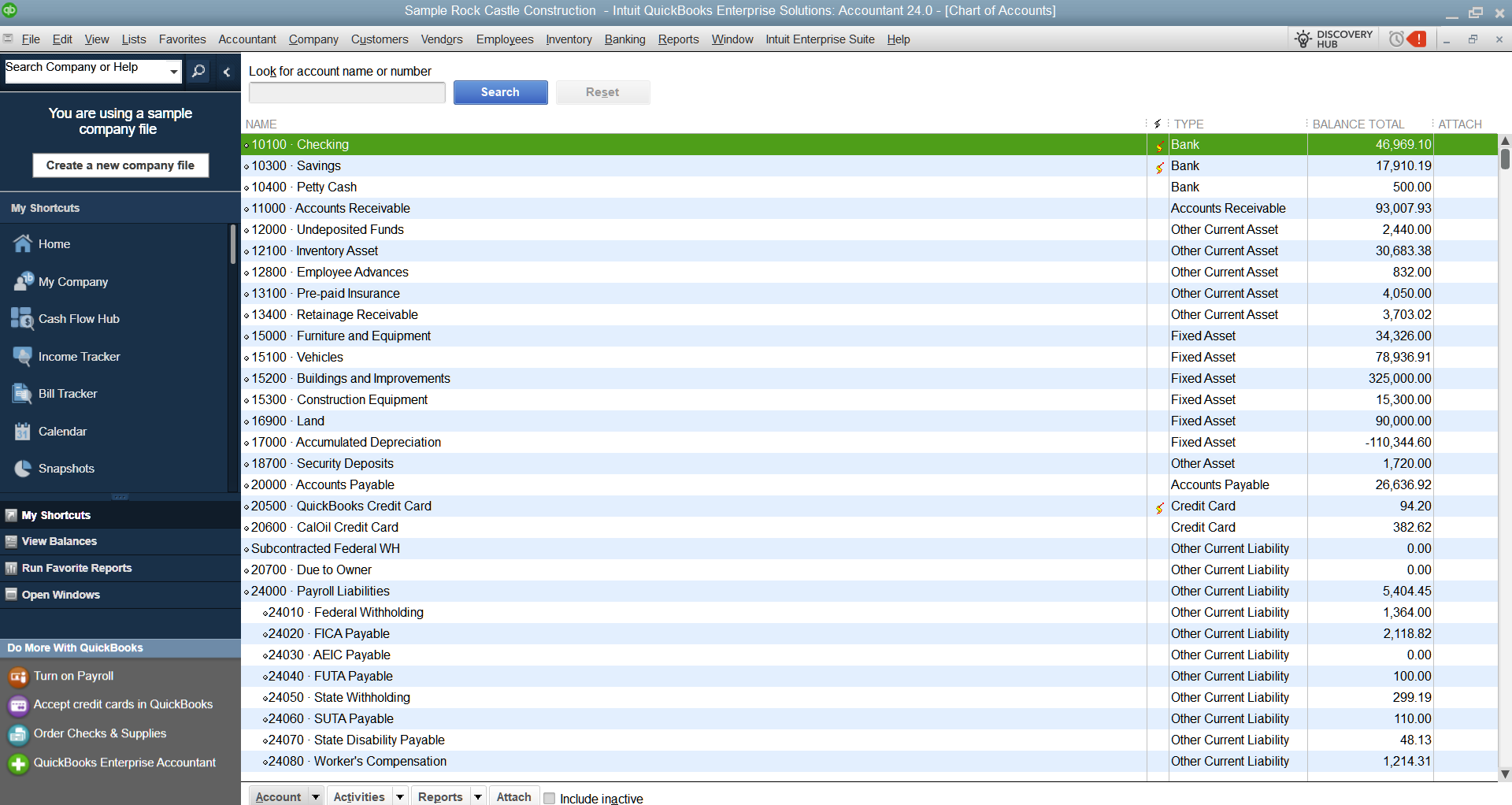
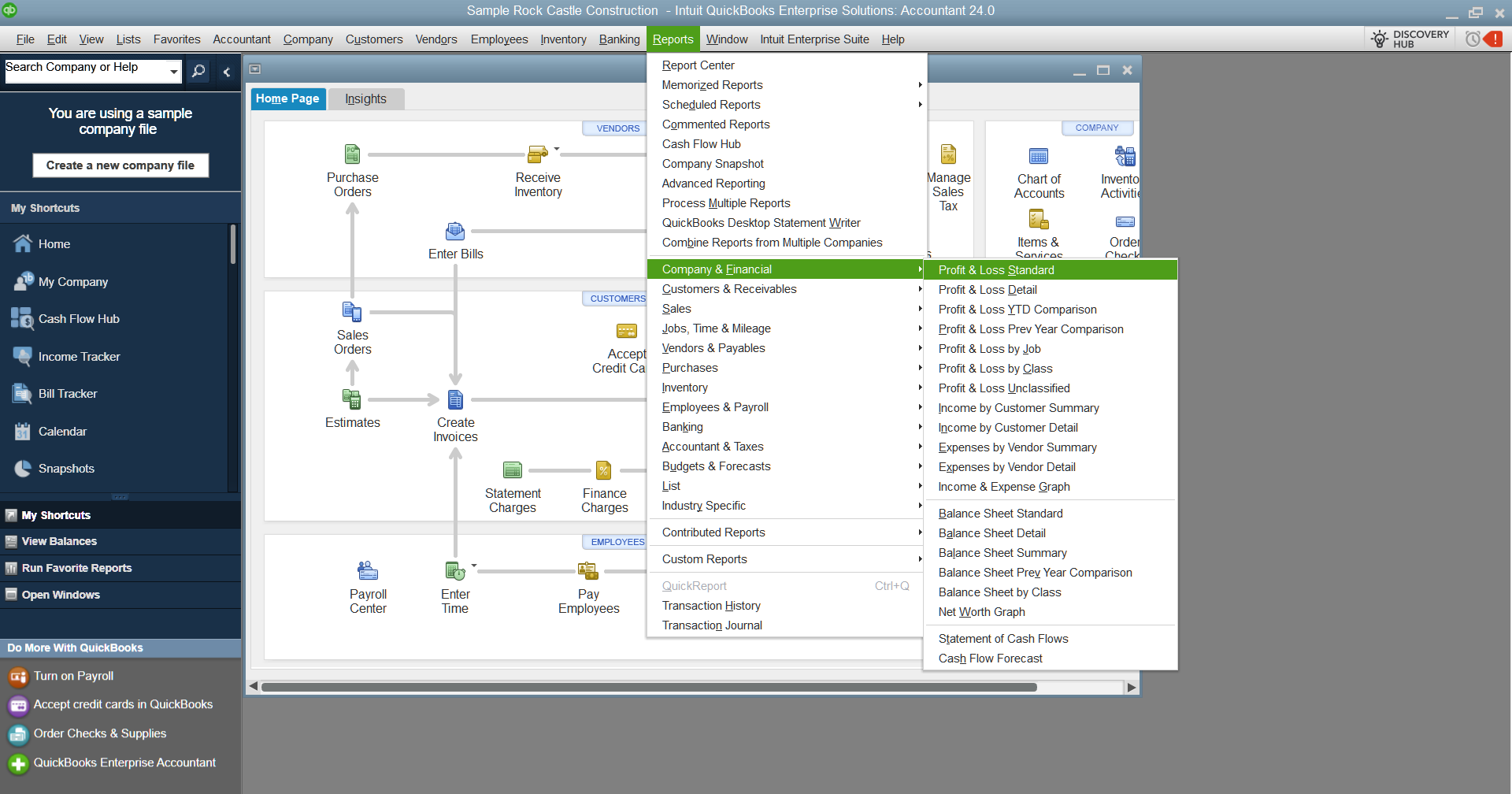
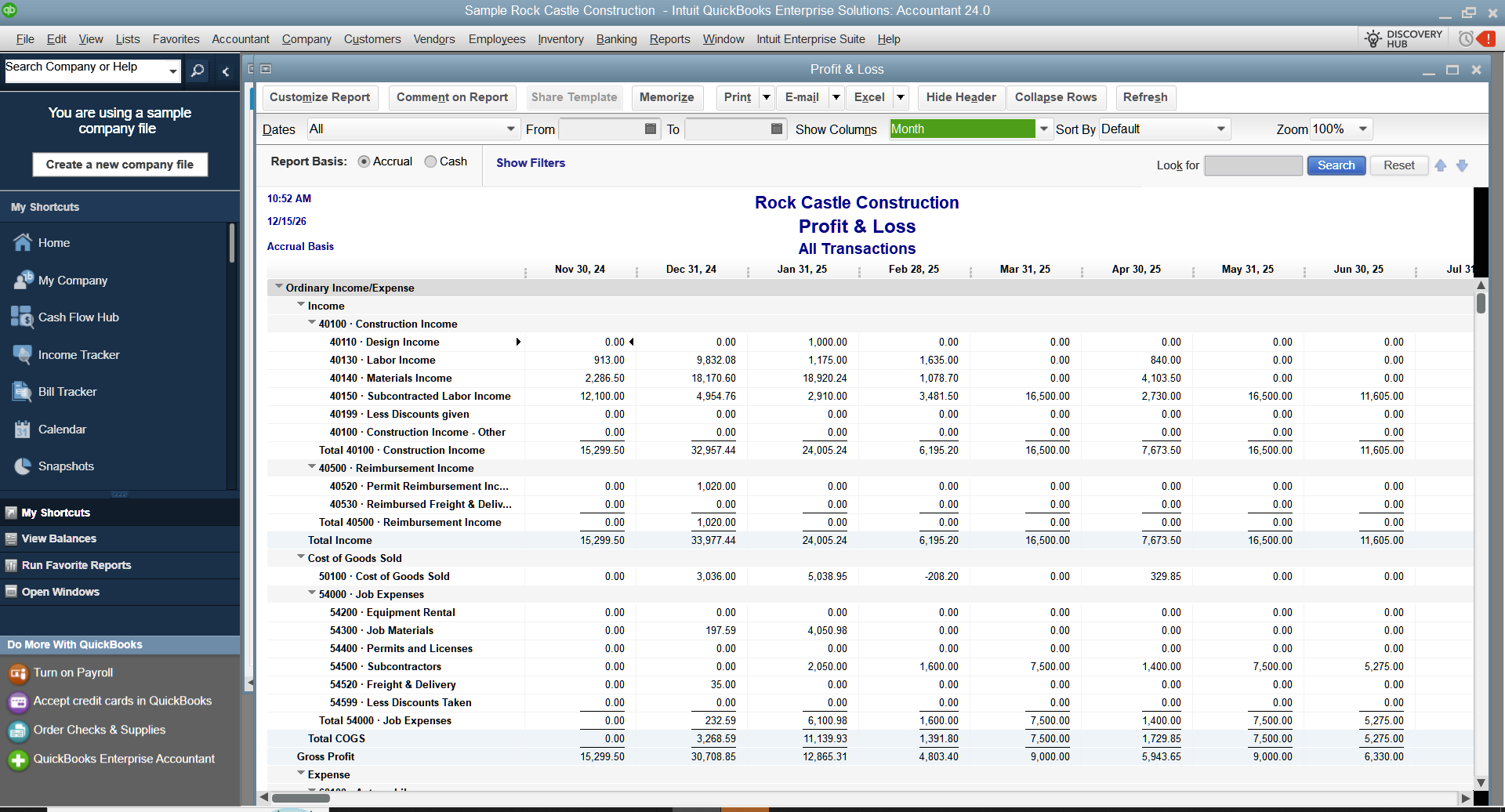
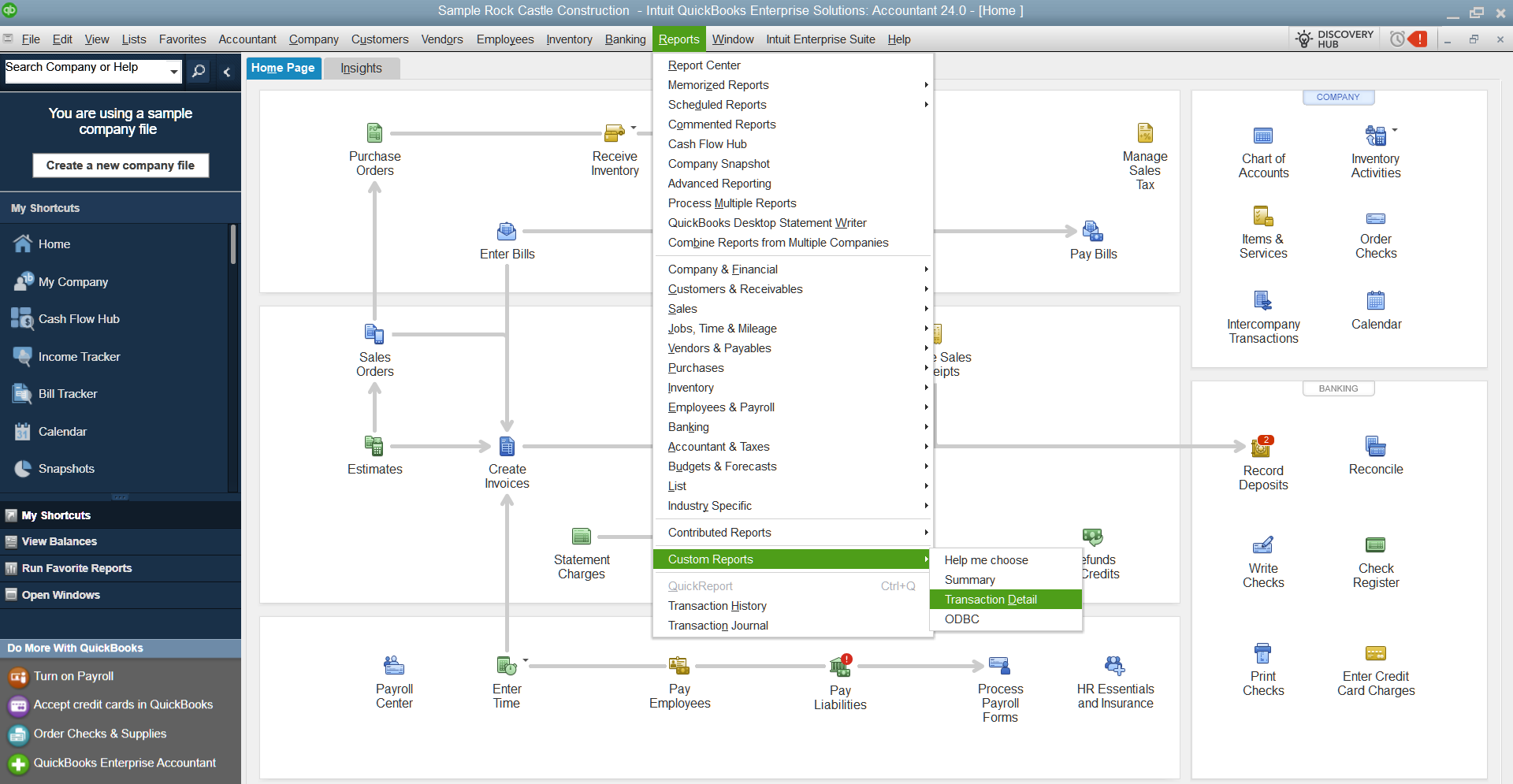
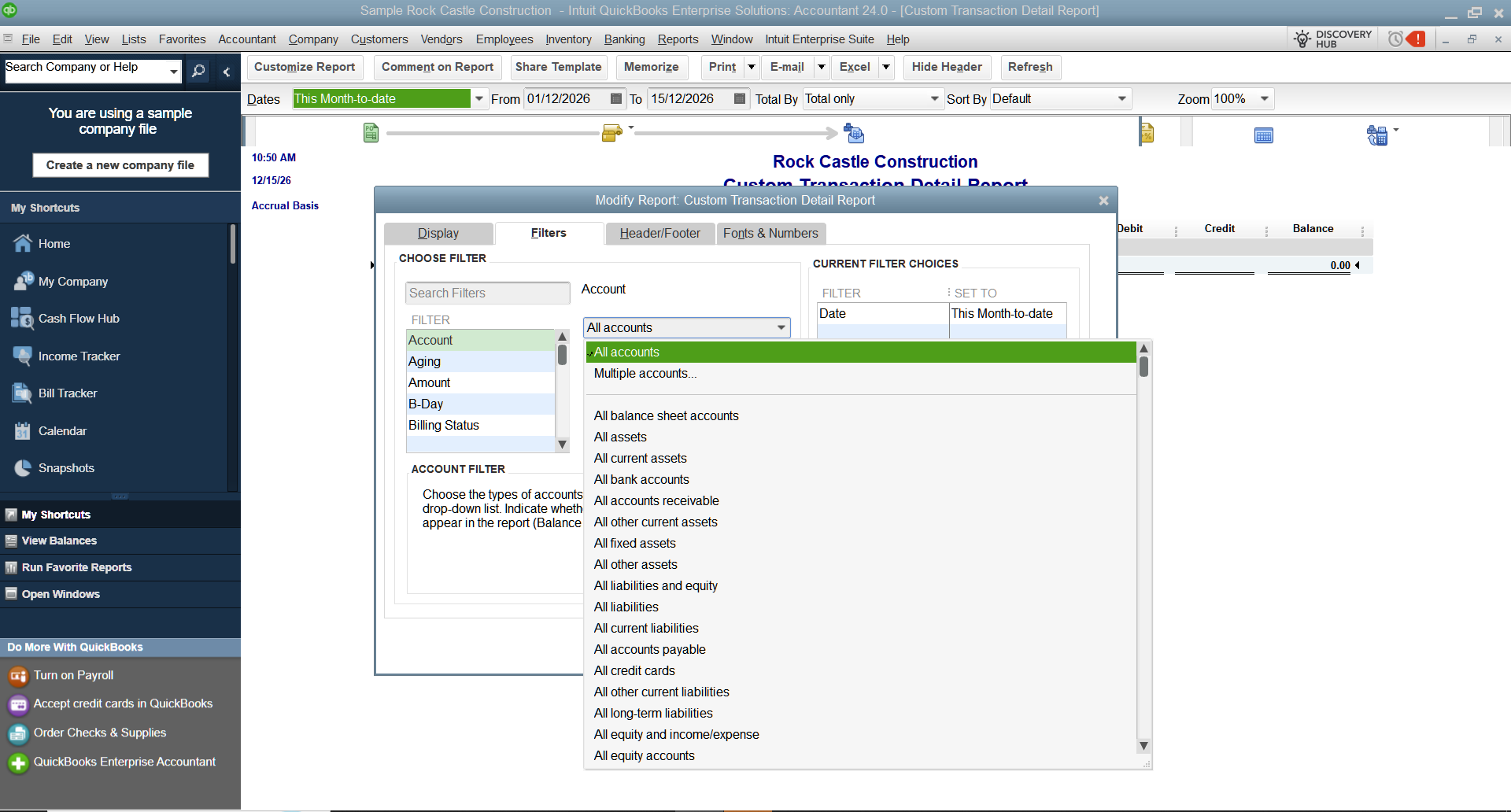
QuickBooks Desktop Enterprise screens and workflows we can build around
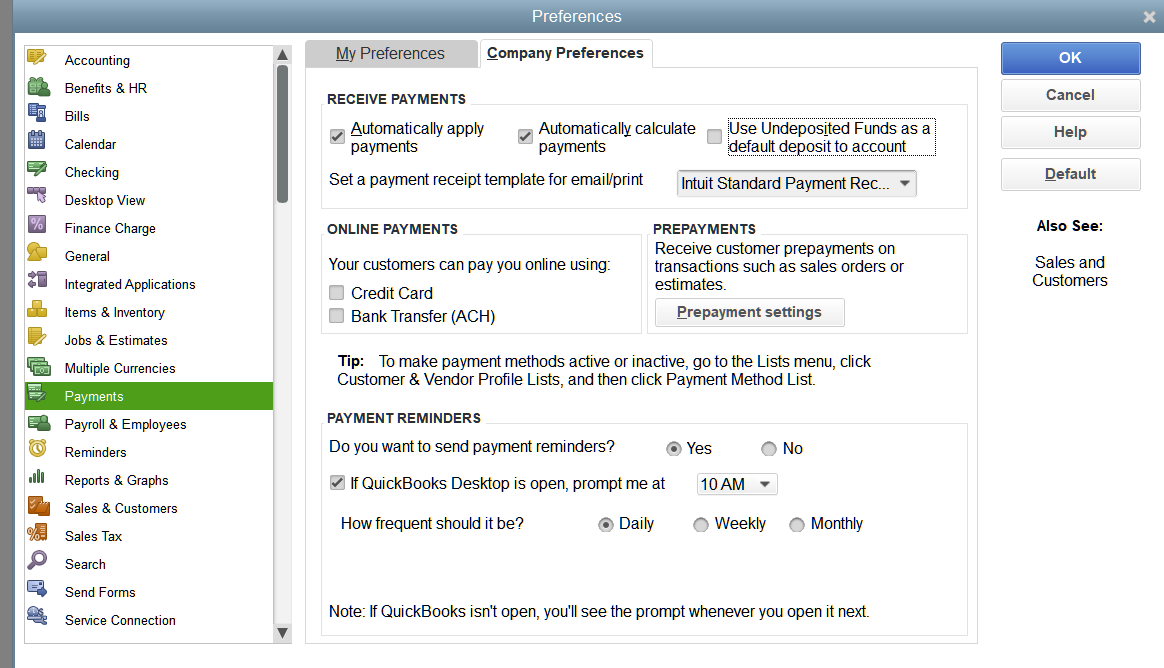
These are not random screenshots. They show the kind of features, reporting views, and workflow areas that matter in a real implementation.
Why this works better than handing your accountants random software and hoping for the best
Accountants usually pick up the accounting side quickly because they already understand ledgers, receivables, payables, inventory behavior, and reporting logic. The part that usually breaks is the environment around the software: weak hosting, poor permissions, no backup discipline, bad file structure, confused workflows, and no one owning the long-term health of the system.
Titan Cloud Servers solves that by handling the Windows Server side, the QuickBooks side, and the practical operating discipline around both. That is why turnkey implementations are stronger than just buying licenses and telling people to figure it out.
Want a full QuickBooks Desktop Enterprise rollout instead of a half-done install?
Tell us about your user count, country, workflow complexity, and whether you want Titan Cloud Servers hosted, client-owned, or dedicated infrastructure. We can scope the environment, the implementation path, and the ongoing management model.